- Switch the source to Bluetooth using the control panel, remote control, or KEF Connect App
- The Bluetooth icon pulses white, indicating the speakers are ready to pair
- Turn on Bluetooth on your device and select "KEF Coda W"
- Once paired, the Bluetooth icon will turns solid white
- The LED will turn solid blue and dim when the connection is made
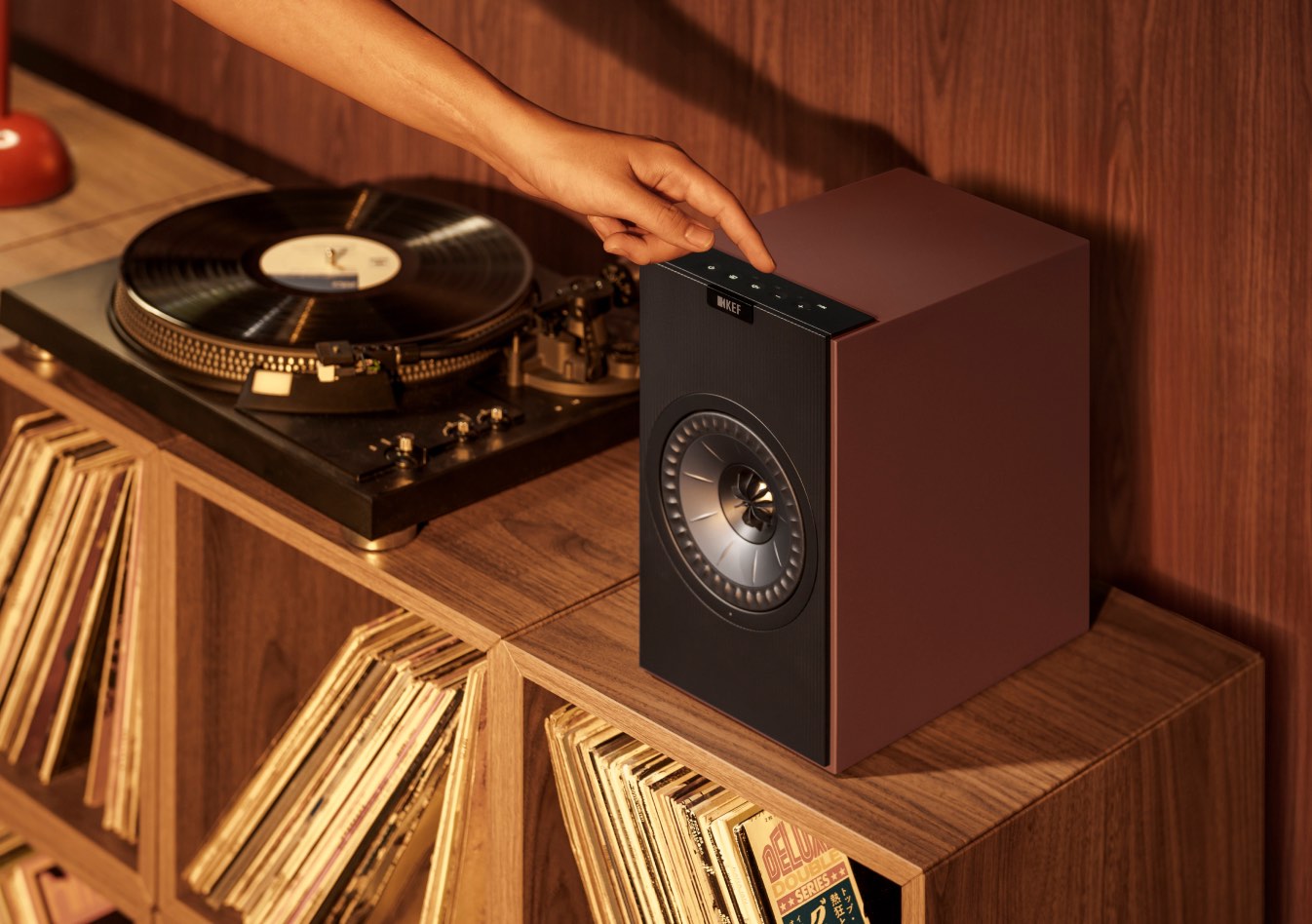
1. Connect your turntable to the PHONO input (marked as “H”),
2. Attach the ground wire to the GND terminal (marked “G”) by loosening the screw, placing the wire underneath, and tightening it.
Choose the right mode:
3. Switch the source to PHN using the control panel, remote control, or KEF Connect App
4. The LED turns light purple and dims when the connection is made
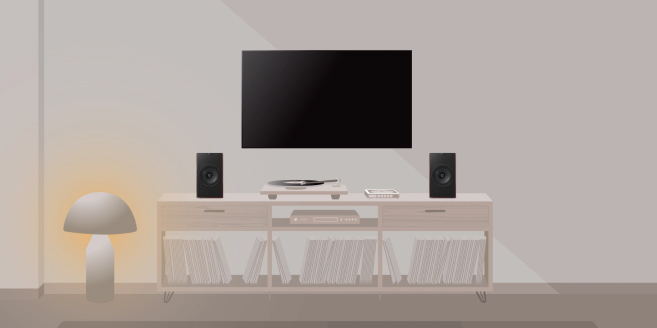
1. Connect the HDMI cable to the TV input (marked as “TV”)
2. HDMI CEC compatibility lets you control volume with your TV remote
Choose the right mode:
3. Switch the source to TV using the control panel, remote control or KEF Connect App
4. The LED turns cyan and dims when the connection is made
1. Connect the USB cable to the USB input (marked as “U”)
2. Select "KEF Coda W" as the output device from your computer
Choose the right mode:
3. Switch the source to USB using the control panel, remote control or KEF Connect App
4. The LED turns pink and dims when the connection is made
- Connect the optical cable to the OPT input (marked as “O”)
- Switch the source to OPT using the control panel, remote control or KEF Connect App
- The LED turns magenta and dims when the connection is made
- Connect the RCA cable to the AUX input (marked as “X”)
- Switch the source to AUX using the control panel, remote control or KEF Connect App
- The LED turns yellow and dims when the connection is made
Rather than using a wired connection, you can also go wireless with our KW1 Subwoofer Adapter Kit. It offers greater placement flexibility and delivers a pristine wireless connection, perfect for eliminating cable clutter in your setup.
Find My Retailer
Find out more about our award-winning models and book a demo at your nearest KEF retailer.
Are the KEF Coda W speakers completely wireless?
The 'wireless' in Coda W refers to how you play your music; you can stream audio wirelessly from your phone, tablet, or computer via Bluetooth. However, the speakers do require two physical connections: an interspeaker cable to link the primary and secondary speakers together, and a power cable to be plugged into a wall outlet. This design ensures they have consistent power and a perfectly stable connection to deliver the best possible high-fidelity sound.
What makes the Coda W the best speaker for vinyl players?
Coda W is the perfect partner for a turntable because it's a complete, high-performance audio system in one. The key feature for vinyl lovers is the built-in phono preamp, which allows you to connect most turntables directly to the speakers without needing an extra box. Because they are active speakers, you also don't need a separate amplifier. This creates a simple, elegant setup that delivers the warm, detailed, and authentic analogue sound you love, with modern convenience.
What is Bluetooth® 5.4 with aptX™ Lossless, and how does it improve my music?
This is the next generation of wireless audio, designed to deliver the highest possible sound quality over Bluetooth. Unlike standard Bluetooth which compresses music, aptX™ Lossless can stream music at true CD-quality, meaning you hear every single detail of the original recording without any data being lost. Combined with the stability and efficiency of Bluetooth 5.4, it means you get the freedom and convenience of a wireless connection with the stunning, high-fidelity sound you'd expect from a physical cable.
Reminder: Ensure your source device is compatible with the codec to experience true CD-quality audio.